
Project Users
Retired page. This documents the legacy SiteTrax.io service portal, which has been replaced by SiteTrax.io Intelligence at app.sitetrax.io. It is kept for reference only and is no longer maintained. For current guidance, see the SiteTrax.io Intelligence shelf.
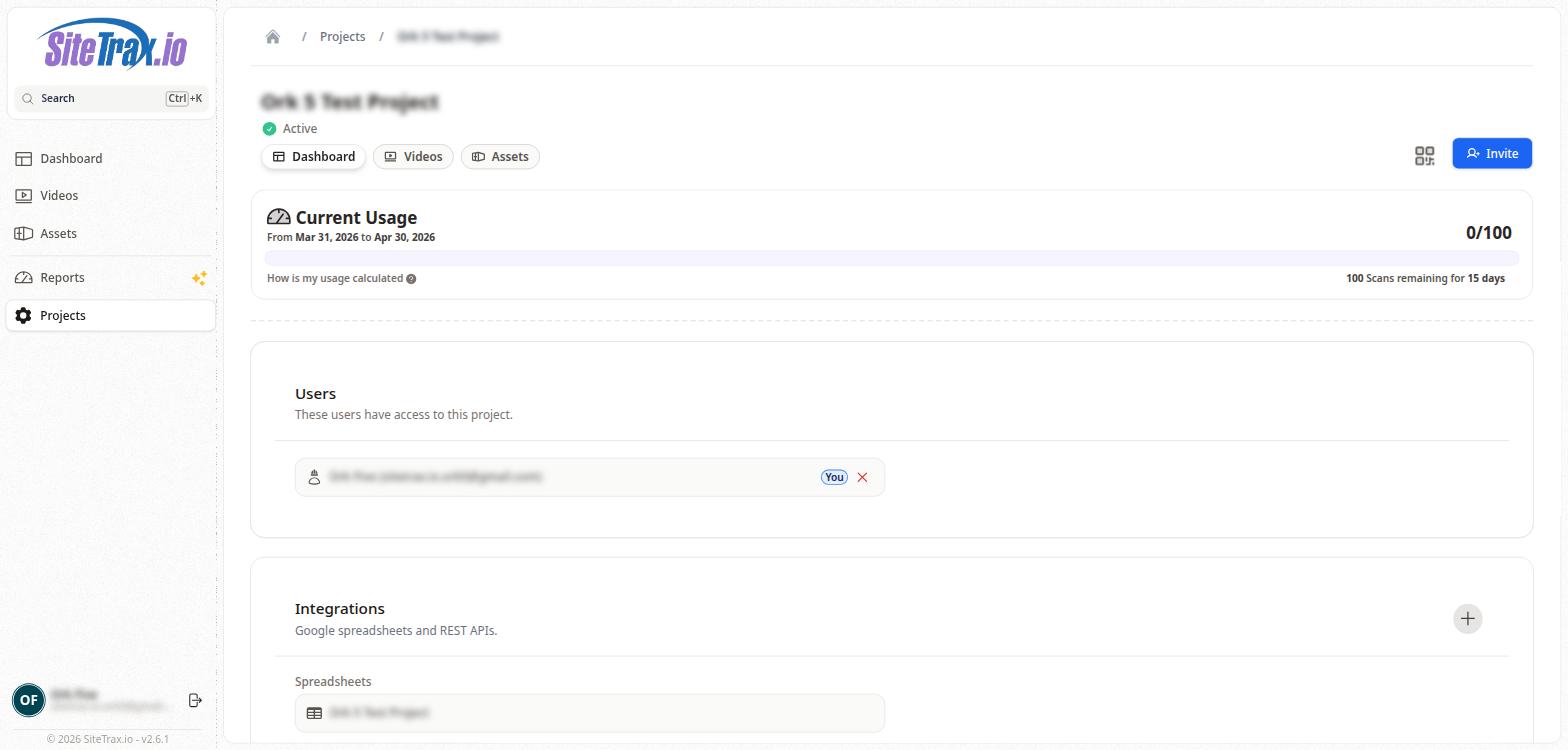
The Users section of the Project Detail page shows all users who currently have access to the project. Each user is displayed as a card showing their name and email address. The currently logged-in user is identified with a "You" badge.
Users can be removed from a project by clicking the X button on their user card. To add new users, click the Invite button in the top-right corner of the project page and enter the email address of the person you wish to invite.
No comments to display
No comments to display