
Global Search
Retired page. This documents the legacy SiteTrax.io service portal, which has been replaced by SiteTrax.io Intelligence at app.sitetrax.io. It is kept for reference only and is no longer maintained. For current guidance, see the SiteTrax.io Intelligence shelf.
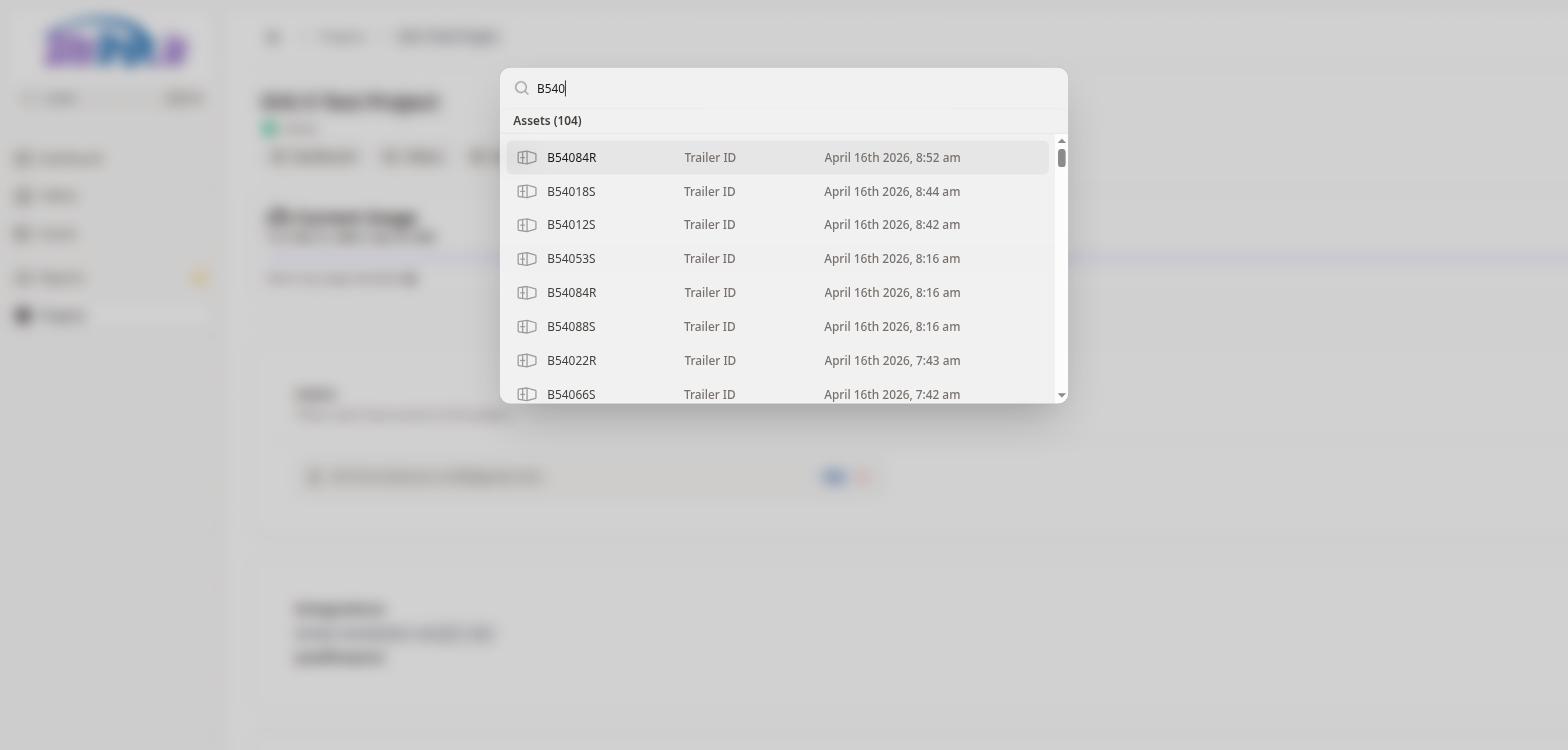
The SiteTrax.io Service Portal includes a powerful global search feature accessible from the sidebar search bar or by pressing Ctrl+K from any page. When activated, a search overlay appears at the top of the screen with a text input field.
As you type, the search returns real-time results from across your assets. Results are displayed in a categorized list showing the number of matching assets. Each result row displays the Asset ID (such as a container number), the Asset Type (e.g., International Intermodal Vertical ID), and the date the asset was processed. Clicking on a result navigates directly to that asset's detail page.
This search is particularly useful for quickly locating a specific container or chassis by its ID number without having to manually browse through the Assets page.
No comments to display
No comments to display