
Project Detail Page
Retired page. This documents the legacy SiteTrax.io service portal, which has been replaced by SiteTrax.io Intelligence at app.sitetrax.io. It is kept for reference only and is no longer maintained. For current guidance, see the SiteTrax.io Intelligence shelf.
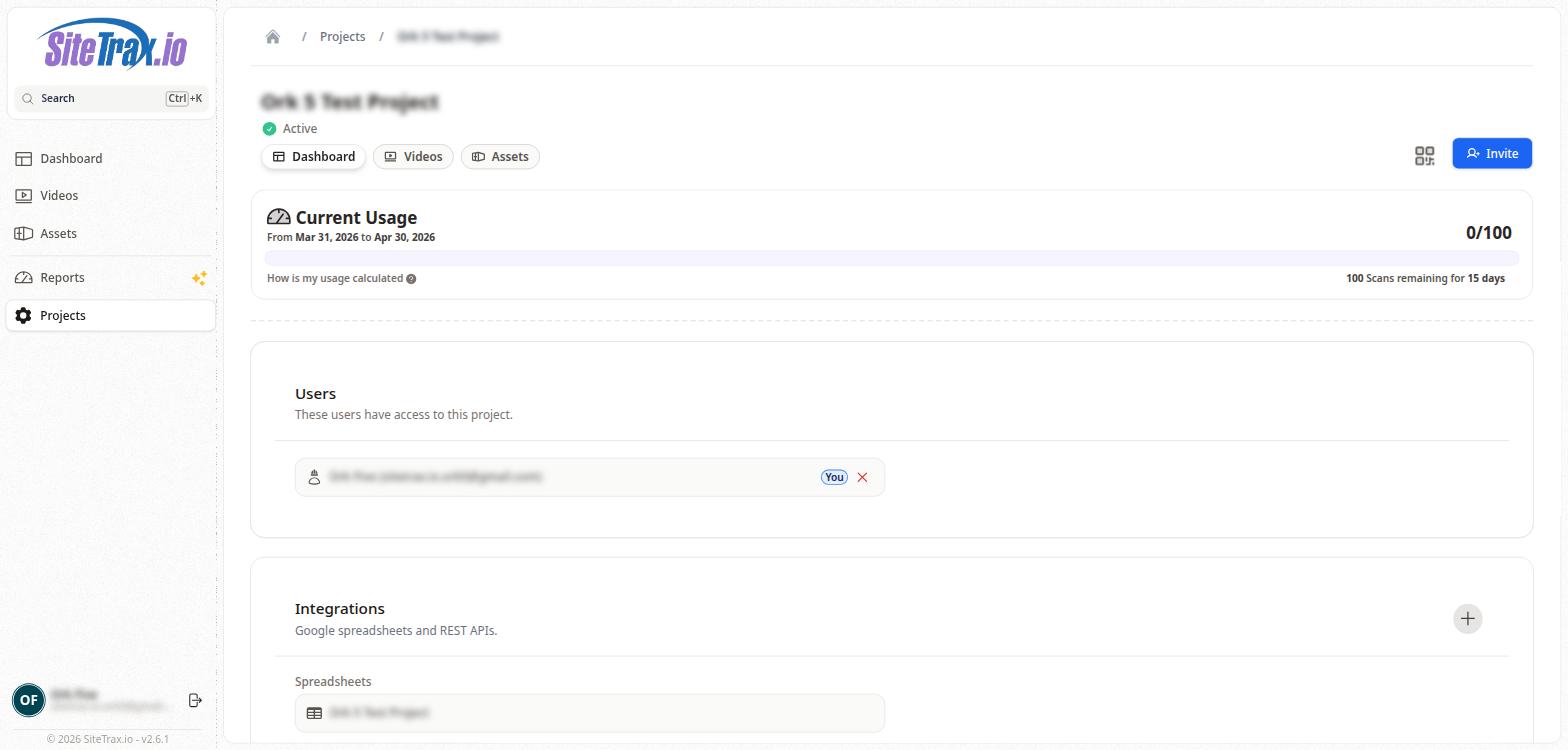
The Project Detail page provides a comprehensive view of a single project's configuration and status. At the top of the page, the project name is displayed along with its status badge (e.g., "Active" with a green checkmark indicator).
Below the project name, three navigation tabs allow quick access to the project's Dashboard, Videos, and Assets views, which display the same data as the main Dashboard, Videos, and Assets pages but filtered to only this project.
No comments to display
No comments to display