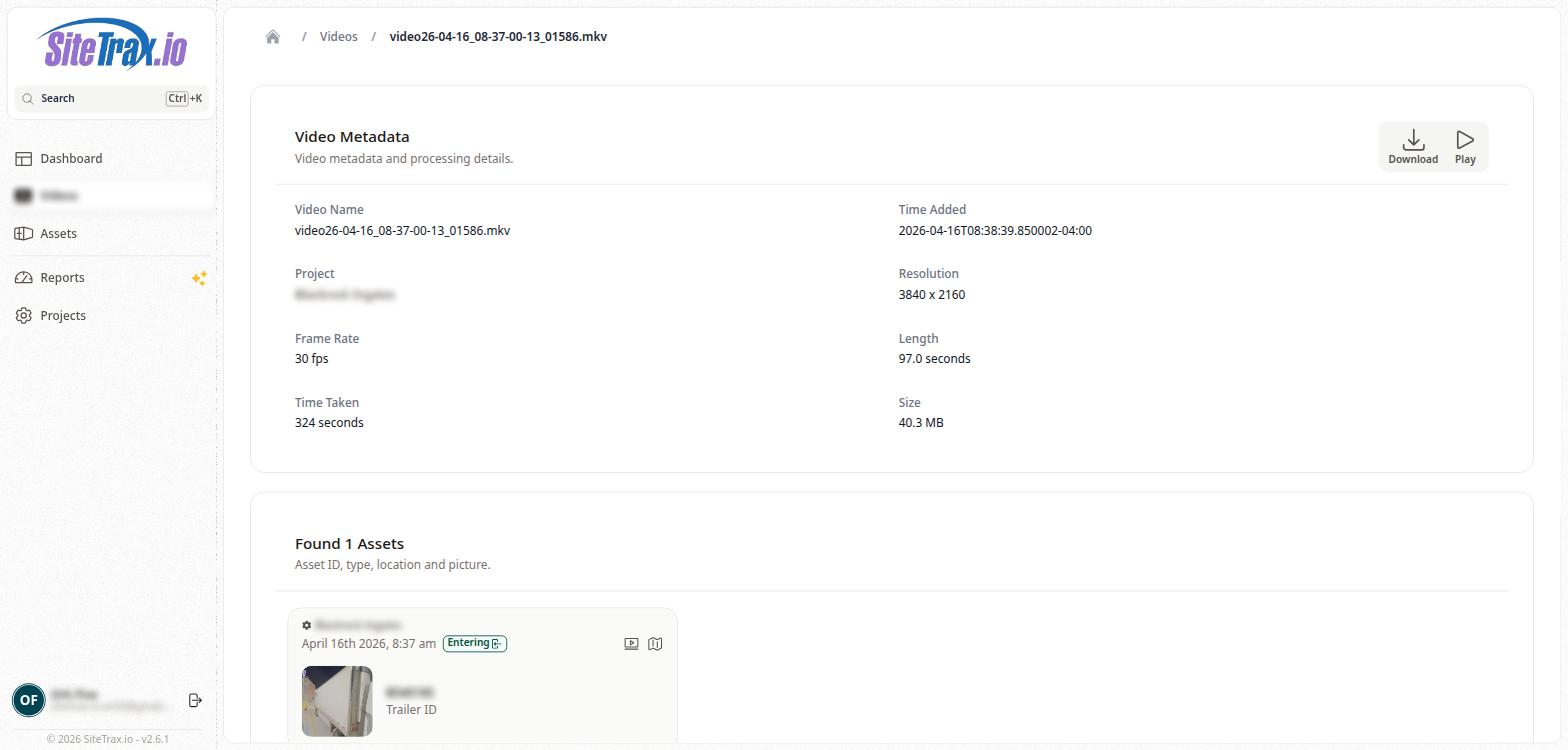
Video Detail Page
Clicking on a video name from the Videos list opens the Video Detail page. This page is divided into two main sections: Video Metadata and Found Assets.
The Video Metadata section displays detailed technical information about the video file, including the Video Name (the original filename), Time Added (the timestamp when the video was received by the platform), Project (the associated project name), Resolution (e.g., 1920 x 1080), Frame Rate (e.g., 15 fps), Length (the video duration in seconds), Time Taken (the wall-clock processing time in seconds), and Size (the file size in MB).