Found Assets in Videos
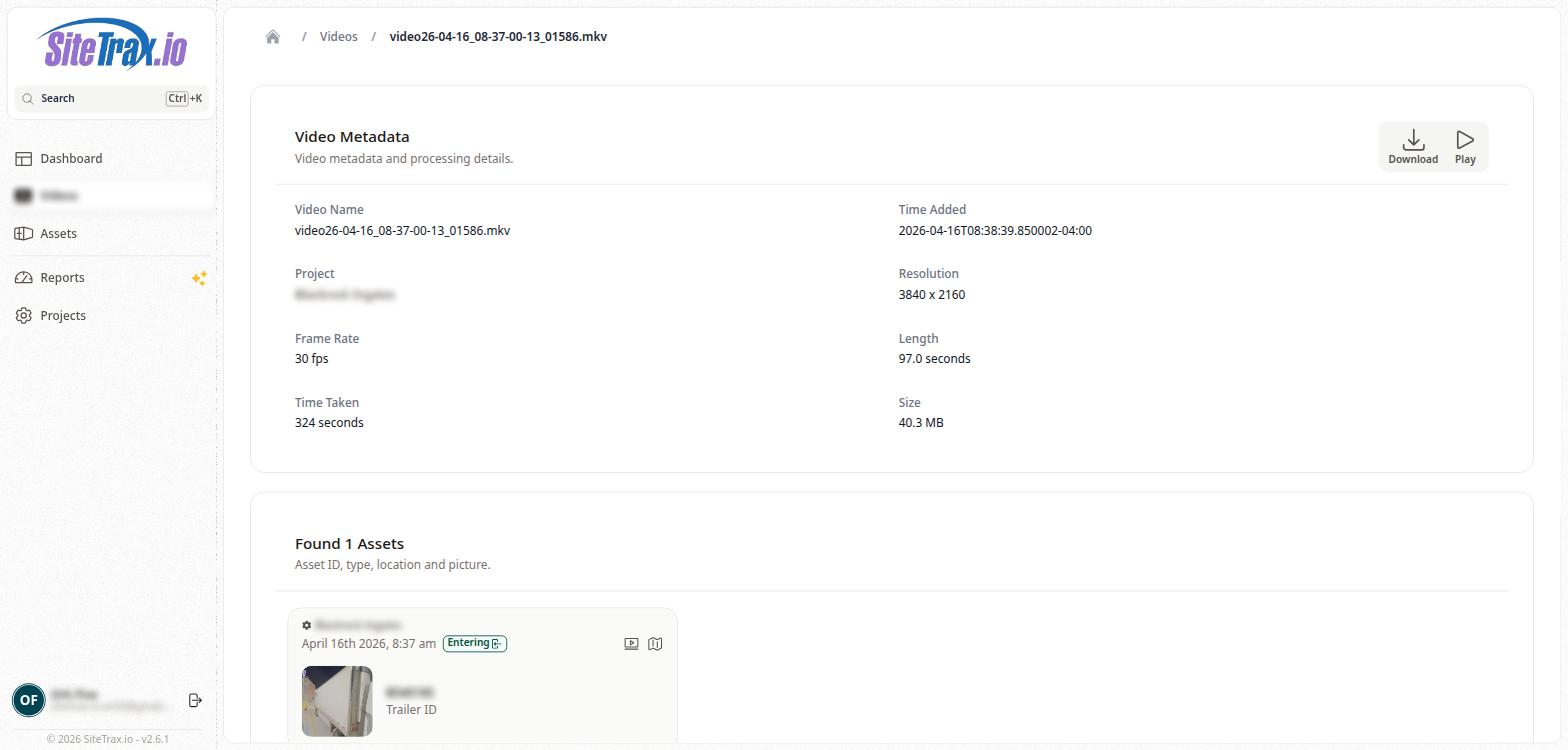
Below the Video Metadata section on the Video Detail page is the Found Assets section. This section displays all assets that were automatically detected and identified by the SiteTrax.io backend during video processing.
The section header shows the count of assets found (e.g., "Found 1 Assets") along with a subtitle: "Asset ID, type, location and picture."
Each detected asset is displayed as a card showing the Project name, the date and time of detection, a status tag (such as "Exiting" with a directional arrow icon), a thumbnail image of the detected asset, the Asset ID (e.g., a container or chassis number), and the Asset Type (e.g., International Intermodal Vertical ID). Clicking on an asset card navigates to the full Asset Detail page.
If no assets were detected in a video, this section will show "Found 0 Assets."